Draw Snail Plot
Create Snail Plot
Go to Plot menu -> Snail Plot -> Create Snail Plot or Click the “Create Snail Plot” icon on the toolbar to open snail plot creation dialog.
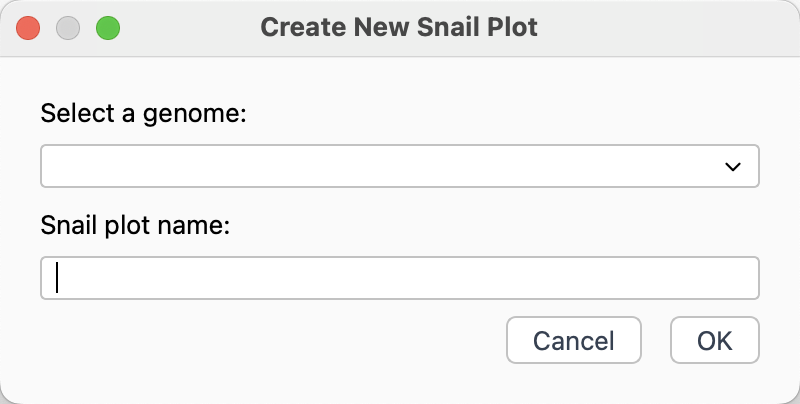
Snail plot creation dialog
Select genome data.
Input a name for the created snail plot.
Click
OKbutton to create snail plot.
Update Snail Plot
Every time you modify the drawing parameters, you should redraw the snail plot to update the display.
Go to Plot menu -> Snail Plot -> Update Snail Plot to redraw snail plot.
Or click Update Plot icon on the toolbar to redraw snail plot.